
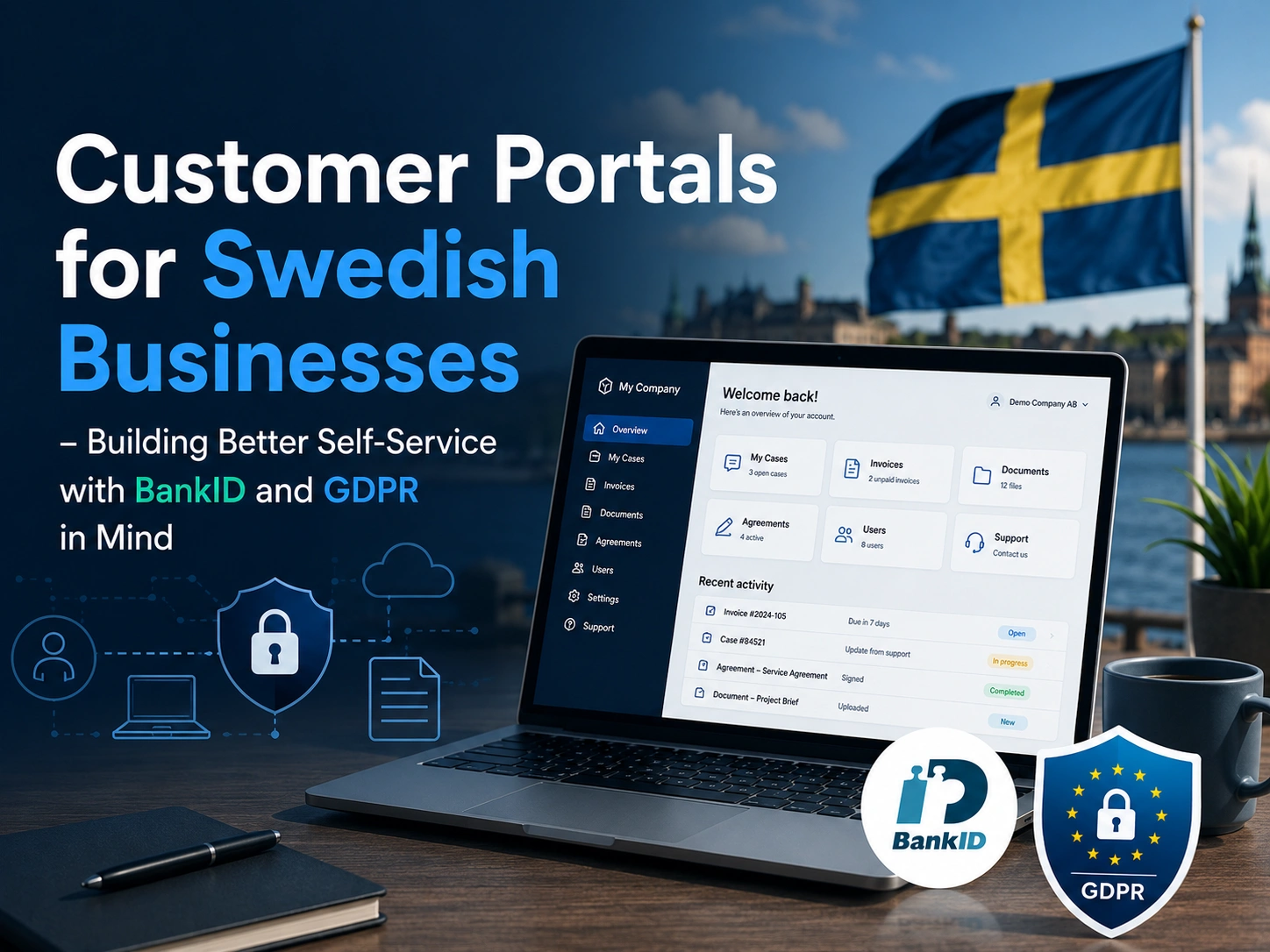
Today, more Swedish companies are investing in digital customer experiences than ever before. But when it comes to building a customer portal, many businesses focus on the wrong things first. They compare design templates, long feature lists, or whichever platform looks most impressive during a sales demo.
In reality, a successful customer portal usually comes down to three much simpler questions:
- Can customers solve things on their own?
- Does the login experience feel secure and trustworthy?
- Is customer data handled properly from the beginning?
In Sweden, those questions matter even more. Swedish users are already used to smooth digital self-service from platforms like 1177, Skatteverket, and verksamt.se. That means expectations are high. A portal shouldn’t just exist — it should feel easy, reliable, and natural to use from the very first click.
Start with customer needs, not technology
One of the most common mistakes companies make is starting with the technical setup before understanding what customers actually need help with.
Before choosing a platform or deciding how authentication should work, it’s smarter to ask a much simpler question:
What are customers repeatedly contacting us about?
For many B2B companies, the answer usually includes things like:
- invoices
- support tickets
- user management
- contracts and documents
- delivery status
- updating contact details
If customers can handle those tasks themselves, both the customer experience and internal efficiency improve immediately.
That’s why a good portal is more than just a “logged-in area.” It should reduce friction and make everyday processes easier for everyone involved.
When BankID makes sense
In Sweden, BankID has become the standard for trusted digital identification. Most users already feel comfortable with it, which makes it a powerful tool for creating trust quickly.
But that doesn’t mean BankID should be used for everything.
The smartest approach is usually to use BankID where security and trust truly matter, such as:
- first-time login
- signing agreements
- changing permissions
- accessing sensitive documents
- updating payment information
- exporting personal data
For simpler actions, traditional login systems or SSO solutions are often enough.
This type of setup is commonly called “step-up authentication,” where the security level increases when the action becomes more sensitive.
Authentication is not the same as authorization
This is something many businesses overlook when building B2B portals.
BankID answers the question:
“Who is this person?”
But it does not automatically answer:
“What is this person allowed to do?”
That’s why a customer portal also needs a clear permission structure for:
- roles
- companies
- user access levels
- administrators
- account ownership
A user may be correctly authenticated but still should not have access to invoices, contracts, or other users inside the company account.
For larger organizations, this becomes one of the most important parts of the entire portal architecture.
GDPR should be part of the design from day one
Many companies still treat GDPR as something to think about later. In most cases, that leads to unnecessary problems and expensive changes down the road.
If your portal handles:
- customer information
- support history
- contracts
- user accounts
- communication
- documents
…then you are processing personal data in multiple ways.
That means GDPR needs to be considered early in the project.
Some important questions to answer before development even starts include:
- Who is responsible for the data?
- Which third-party providers have access?
- Are data processing agreements in place?
- Where is the data stored?
- Does any data leave the EU/EES?
- How are incidents and logs handled?
The goal is not to create a complicated or restrictive system. The goal is to create a well-thought-out and sustainable one.
Choosing the right portal platform
There are many different customer portal solutions on the market today, and the right choice depends on the company’s size, workflows, and integration needs.
CRM-focused portals
Platforms like Lime and SuperOffice are often strong choices for companies that want to launch self-service quickly with a close connection to CRM and support workflows.
They typically work well for:
- support cases
- customer communication
- document management
- self-service processes
Flexible portal platforms
Solutions like Microsoft Power Pages and Odoo are often better suited for businesses that want more flexibility and custom workflows.
These platforms are especially popular in organizations already working heavily within the Microsoft ecosystem.
Enterprise-level solutions
Salesforce Experience Cloud and ServiceNow are commonly used by larger organizations with:
- multiple integrations
- complex workflows
- several business units
- large external user groups
These platforms can be extremely powerful, but they also require more governance, planning, and long-term management.
Don’t build everything at once
One of the biggest reasons portal projects fail is trying to launch too much too early.
The most successful projects usually start small:
- one target audience
- a few key self-service features
- a simple login flow
- a focused MVP
Once real users begin using the platform, the portal can grow gradually based on feedback and actual business needs.
This approach reduces risk, lowers development costs, and helps companies avoid building features nobody uses.
What a good self-service experience should feel like
A modern customer portal should feel simple and intuitive.
Users should be able to:
- log in easily
- verify their identity when needed
- access the correct company account
- solve their issue quickly
- contact support without starting over
If users become frustrated the moment they need human help, the portal experience breaks down.
Self-service and human support should work together seamlessly.
Four practical implementation tips
If you are planning to build or improve a customer portal, these recommendations are often worth prioritizing early:
1. Build permissions around companies and roles
Think beyond individual users and focus on organizational structures.
2. Optimize BankID flows for both mobile and desktop
User behavior varies heavily between devices.
3. Never use production data in test environments
This is one of the most common — and dangerous — mistakes.
4. Make support easy to reach
Self-service works best when users know help is still available.
Final thoughts
The best customer portal is rarely the one with the most features.
The best portal is the one that:
- solves real customer problems
- feels trustworthy
- is easy to use
- can be maintained and improved over time
For many Swedish businesses, a simple and well-designed portal creates far more value than a large, overly complicated system that nobody fully uses.
Start with the customer experience, build carefully, and allow the platform to grow naturally over time.
Need a custom customer portal?
Every business has different workflows, customer journeys, and operational needs. That’s why off-the-shelf solutions are not always the right fit.
For companies looking for a more tailored and long-term solution, it’s possible to build customer portals that are fully adapted to the way the business actually works — whether that means CRM integrations, self-service systems, BankID authentication, permission management, or automated workflows.
The goal is not simply to create another login page, but to build a secure and user-friendly experience that genuinely improves everyday work for both customers and internal teams.
Read the Swedish version here.